 createcolab
Home / Features
Every meme tool in one browser tab
Captions, sound effects and motion effects on a simple timeline. Use your own clip or a template, preview instantly, export an MP4 that is ready to post.
Captions that read like memes
Type once, pick a style, drag it where you want. Every caption is a clip on the text track, so you decide when each line appears and disappears.
- Four built-in styles. Classic outline, white header bar, subtitles and stickers.
- Auto-fit. Long lines shrink to fit the frame instead of running off the edge.
- Timed reveals. Show the top line first and the punchline on the beat.
- Emoji and 40 languages. Captions render with full Unicode support.
 Pushed to prod on a FridayIt’s fine
Classic outlinetop and bottom text 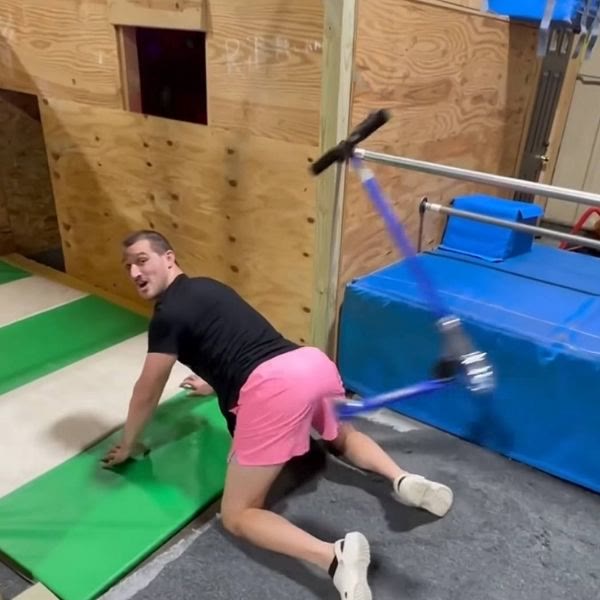
Header barwhite caption above the clip  me: it’s basically a spare tire
Subtitlesboxed text, timed to speech 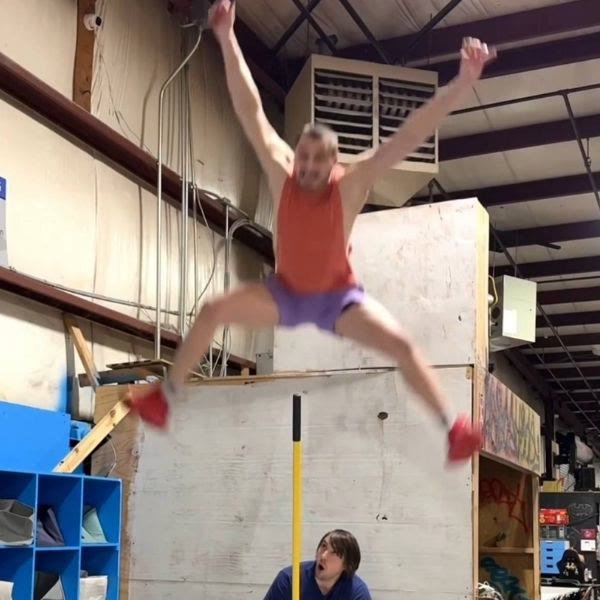 Personal best
Stickertilted label you can place anywhere
- Deep boomimpact 0:02
- Boingcartoon 0:01
- Record scratchtransition 0:01
- Sad trombonefail 0:03
- Air hornhype 0:02
- Crowd gaspreaction 0:02
- Bonkcartoon 0:01
- Dial-upretro 0:04
Sound effects that land on the hit
Search 600+ sounds by name or by mood. Drop one on the timeline and it snaps to the nearest cut, caption or zoom, so the boing lands exactly when the goose does.
- 80 sounds on Free, the full library on Pro and Studio.
- Volume and fade per clip, plus automatic ducking of the original audio.
- Upload your own WAV or MP3 sounds on Studio.
- Cleared for posting. Every library sound is licensed for social media use.
Zoom, shake and slow-mo, on cue
Motion effects sit on their own track. Stretch one to make it last longer, drag it to move the moment, or stack them. Try each one below.
-
zoom 1.5x
Zoom punch
A fast push-in on the face or the moment of impact. Set the strength and the focus point with one drag.
-
shake strong
Camera shake
Light, medium or earthquake. It decays on its own, so it feels like a hit rather than a broken tripod.
-
slow-mo 0.5x
Slow motion
Drop to 0.5x or 0.25x for the replay, with smooth frame blending so it doesn’t stutter. The button below really plays this clip at half speed.
Your clip or ours
Start from a template when you want a format that is already trending. Upload your own footage when the funny thing happened to you.
- Templates come with suggested captions, a matched sound and the timing set. The Top 10 gallery refreshes every Monday.
- Uploads accept MP4, MOV and WEBM up to 500 MB. Clips can run 60 seconds on Free and five minutes on Pro or Studio.
- Reframe any project to 9:16, 1:1 or 16:9 without starting over.
- Projects autosave to your account, so you can start on a laptop and finish on your phone.
Export ready to post
Exports render on our servers, so a slow laptop doesn’t mean a slow export. Most memes are ready in under 15 seconds.
- Free: 720p MP4 with a small “made with createcolab” tag in the corner, five exports a day.
- Pro: 1080p HD, no watermark, unlimited exports, priority rendering.
- Studio: 4K at 60fps, plus your own logo as a custom watermark.
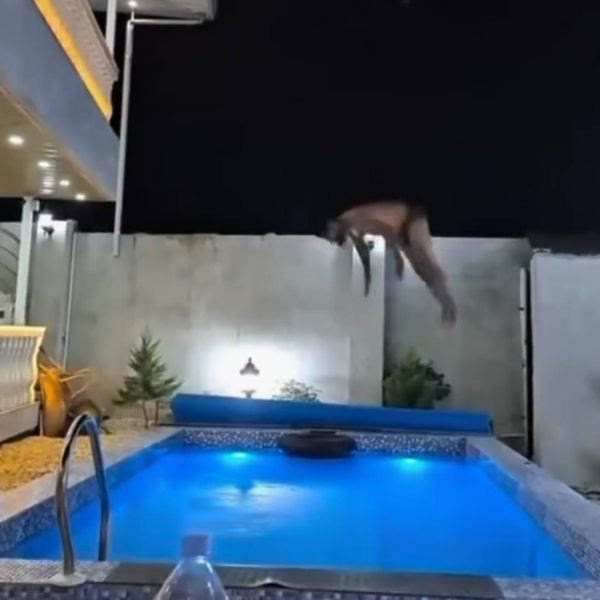 Confidence: 100%720pmade with createcolabConfidence: 100%1080p
Keyboard shortcuts
On a laptop the whole editor works from the keyboard. On a phone every action has a button.
| Keys | Action | Where it goes |
|---|---|---|
| T | Add a caption at the playhead | text track |
| S | Open the sound library | sound track |
| Z | Zoom punch at the playhead | fx track |
| X | Camera shake at the playhead | fx track |
| Q | Slow-mo from the playhead | fx track |
| Space | Play or pause the preview | stage |
| C | Split the selected clip | any track |
| E | Export | export panel |
Try it on your own clip
Every feature on this page works on the free plan. Sign up with just your email.